
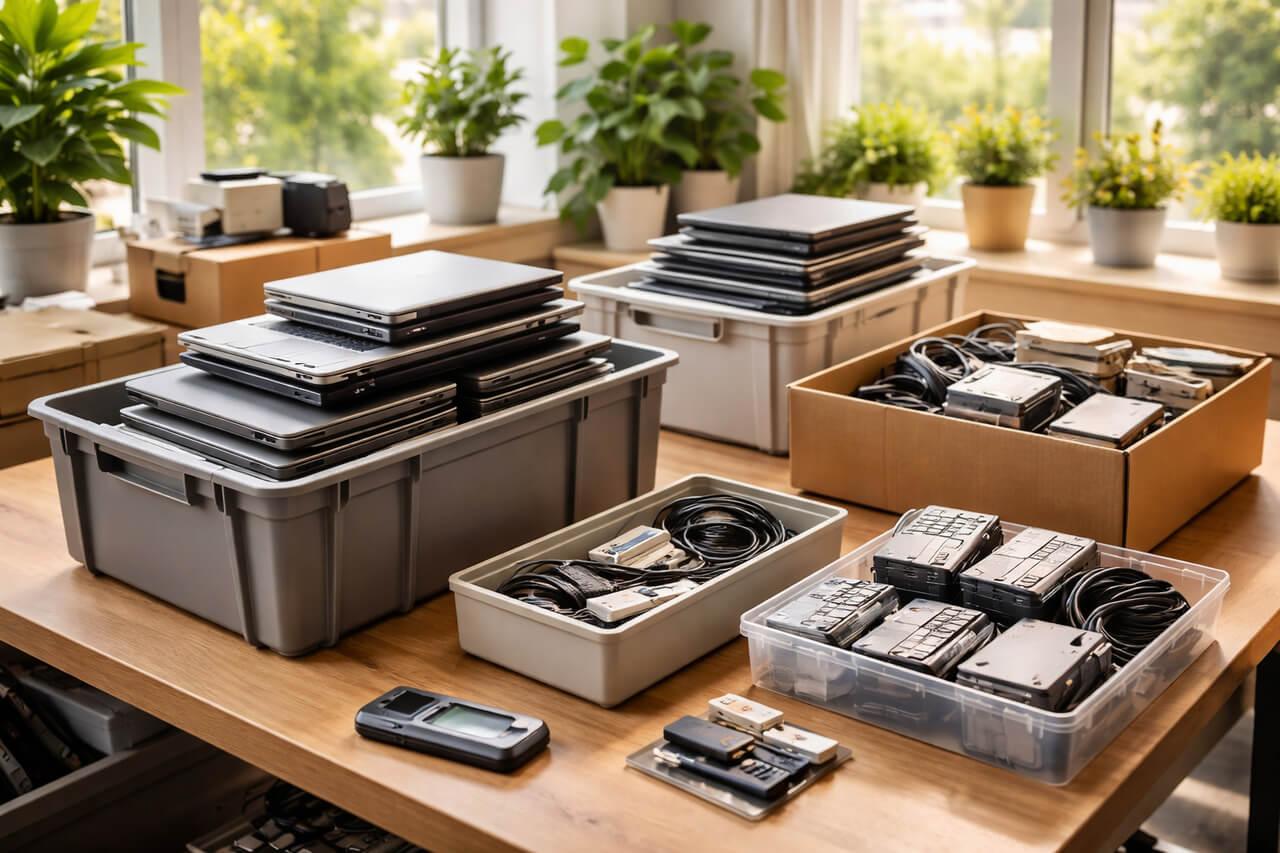
Spring cleaning usually starts with closets. But for most Salt Lake City law firms, the real clutter isn't just in a storage room — it's on old laptops with cached NetDocuments credentials, retired workstations that may still contain client file fragments, and phones that former associates used to access iManage or Clio.
Every law firm accumulates this equipment. The question isn't whether you have it. It's whether anyone has thought about what's still on it — and what your obligation to client confidentiality requires you to do before it leaves the building.
Technology Has a Lifecycle — and Attorney-Client Privilege Extends to It
Most law firms plan carefully how they buy technology. Few apply the same discipline to retiring it. Old law firm devices can hold cached credentials for Clio, NetDocuments, or iManage; client email threads with confidential communications; draft pleadings and client documents; billing records with matter and financial information; and research history in Westlaw or LexisNexis. A device dropped in a storage box without proper data wiping isn't just an IT problem — it's a client confidentiality issue.
A Practical Four-Step Framework
Step 1: Inventory
What are you actually retiring? Attorney laptops, staff workstations, phones, tablets, network equipment, external drives? A firm-wide walkthrough often surfaces devices nobody remembered were still holding client data.
Step 2: Decide the Destination
Every device falls into one of three categories: reuse (internally, after verified data wiping), recycle (through certified e-waste), or destroy (for devices with attorney-client privileged data). For law firms, when in doubt, destruction is the most defensible choice — and the easiest to document.
Step 3: Prepare the Device Properly
A study by data security firm Blancco found that 42% of resold drives still contained sensitive data — even from sellers who claimed the drives had been wiped. A factory reset or standard delete does not meet the standard for confidential client data disposal. A certified data erasure tool overwrites every sector and produces a written verification report. For Utah commercial equipment, use a certified ITAD provider with e-Stewards or R2 certification.
Step 4: Document Everything
Document each retired device: serial number, what data it potentially contained, disposal method, provider used, date, and authorization. This documentation protects your firm in the event of a bar investigation or client complaint.
Devices Law Firms Tend to Forget
- Former associate and paralegal laptops — likely contain client emails, draft pleadings, and document management credentials
- Printers and copiers with internal hard drives — store copies of every client document, filing, and correspondence ever printed or scanned. Return a leased copier without wiping the hard drive and those documents go with it.
- Phones used by attorneys — may contain client communications, document management app access, and billing records
- Old external drives used for matter backups or e-discovery archives — can contain complete case files for matters stretching back years
The Bigger Opportunity
While you're reviewing your hardware, it's worth stepping back and asking a larger question: Is our current technology infrastructure aligned with how we practice today?
For law firms, that means asking whether your document management system, practice management platform, and client communication tools are working together efficiently — and whether your cybersecurity posture meets the evolving expectations of your state bar. Retiring old equipment properly is sound risk management. Making sure your remaining technology stack is aligned with client service quality and bar requirements moves your firm forward.
Frequently Asked Questions
What are a law firm's obligations for disposing of devices that stored client data?
Attorney-client privilege and law firm confidentiality obligations apply to electronic data. While no single rule governs device disposal, the ethical duty of confidentiality requires reasonable measures to protect client information from unauthorized disclosure. Certified data erasure with verification documentation — or physical destruction — is the defensible standard for any device that stored client files, communications, or billing records.
How often should a Salt Lake City law firm review and retire old IT equipment?
Most IT providers recommend a hardware lifecycle review every 12–18 months. For law firms that onboard and offboard attorneys regularly, aligning device retirement reviews with personnel changes is also important — ensuring that all access credentials are revoked and devices are properly handled when attorneys depart.
Can a managed IT services provider handle device disposal for a law firm?
Yes. A managed IT services partner handles the full hardware lifecycle — coordinating certified ITAD disposal with documented chain of custody, maintaining records for your files, and ensuring all practice management and document management credentials are revoked. Qualit provides managed IT services for law firms throughout Salt Lake City and the greater Utah area.
Where We Come In
If your firm already has a documented process for retiring attorney and staff equipment — great. If the answer is "we usually just reset it" or "it's in the storage room," that's worth a conversation before it becomes a bar compliance issue.
We'd love to help you review your technology lifecycle and client data protection practices. No checklist. No hard sell. Schedule your discovery call here.


