
August 2026 | IT Support for Architectural Firms Salt Lake City | Backup & Disaster Recovery | Architecture Firm IT Services Utah
Mike Tyson once said, "Everyone has a plan until they get punched in the mouth."
In architecture, that punch usually arrives as a disruption you assumed you were ready for — a failed backup of Revit files, a BIM 360 access issue during a critical project phase, or a ransomware incident that locks your designers and architects out of the design files and BIM models they need to meet a deadline.
That is the thing about assumptions. They feel like facts right up until they are tested. For Salt Lake City architectural firms relying on managed IT services or self-managed infrastructure, these are the four assumptions that most often cause the real damage.
Assumption #1: "Autodesk Cloud Handles Everything"
Having a backup of Revit files stored only in Autodesk BIM 360 or Autodesk Docs is like carrying a spare tire that has never been checked — you discover it is flat when you are already stranded on the side of the road.
Most architectural firms know their project models live somewhere in the cloud. They have seen the version histories, the sync confirmations, the shared project links. But few can answer with confidence: when was the last time a full Revit project set was restored end-to-end from backup? How long would that restoration take? Is every linked file, specification document, and render archive included?
Autodesk cloud platforms are collaboration tools. They provide version history and file sharing — but they are not disaster recovery infrastructure. A ransomware attack that moves through connected systems, an accidental deletion beyond the retention window, or an account access disruption can affect cloud-hosted design files and BIM models just as decisively as a failed hard drive. A backup of Revit files and render archives proves its value only when it helps you recover. The most dangerous backup is the one no one has tested.
Assumption #2: "Someone Would Tell Us If There Was a Problem"
Monitoring tools are valuable — but confusing detection with protection is a costly mistake for any architectural firm.
A weather alert can tell you a storm is approaching. It does not board up the windows or move your equipment to safety. The alert is only useful if you know exactly what to do next.
Your monitoring tool works the same way. It tells you something is wrong. What happens after that alert fires — who is responsible, what gets checked first, how your designers and architects stay informed — is entirely up to you. Without a documented response plan and a capable IT support partner for architectural firms in Salt Lake City, alerts become noise instead of action. And noise at 10 p.m. the night before a client deliverable does not help anyone.
Assumption #3: "Our Designers and Architects Know What to Do"
Every team looks prepared — until the moment a real disruption arrives.
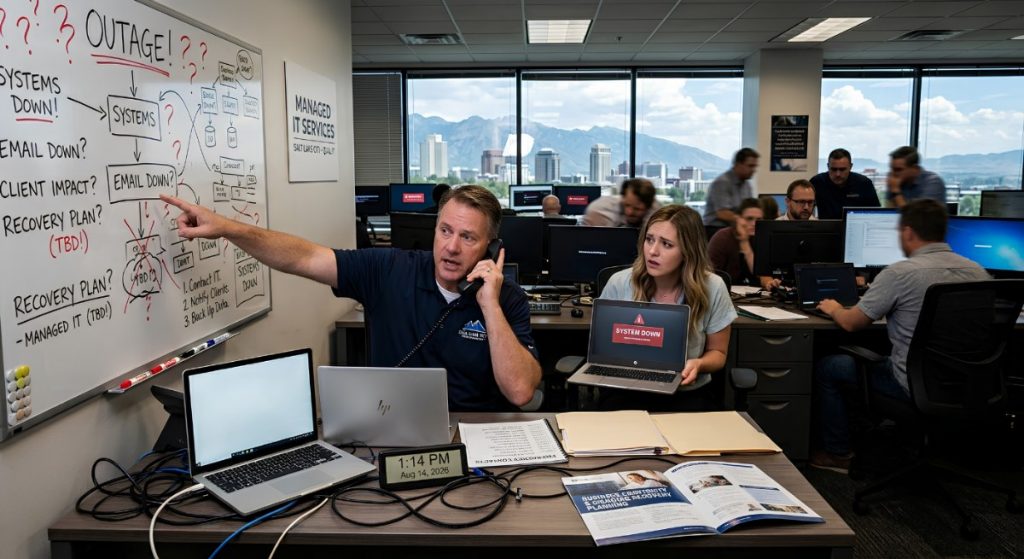
Picture this: Late on a Thursday afternoon, a critical Revit model becomes inaccessible. The project team is three days from a client submission deadline. Suddenly nobody can agree on who is in charge, whether BIM 360 has a recoverable version, how long a restore will take, or whether the rendering files are backed up separately.
When there is no documented plan and no practice run, even a capable team of designers and architects is starting from zero. You do not run a fire drill because you expect the building to burn down tomorrow. You run it so that if there is ever a fire, nobody is standing around asking which way to go.
A recovery plan for design files and BIM models works exactly the same way. When something goes wrong, you want your team executing steps they already know — not working through the problem under deadline pressure for the first time. Chaos rarely comes from the disruption itself. It comes from not knowing what to do next.
Assumption #4: "Design Files Are Not a Ransomware Target"
Nobody thinks their architectural firm will be the one. Until it is.
When your designers and architects are focused on delivering projects, ransomware feels like something that happens to other industries. But attackers do not limit their targeting to companies with obvious financial systems or customer databases. Architectural firms hold something extremely valuable: proprietary design IP. Revit models representing months of billable work, BIM 360 project environments, specification archives, and client-facing render files from Lumion and V-Ray are all assets that ransomware operators know they can leverage.
Beyond IP theft, the pressure of project deadlines makes architectural firms attractive targets. An attacker who encrypts design files and BIM models three days before a major submittal knows the pressure to pay is high. The question is not whether something unexpected will happen. It is whether your firm will be ready when it does. The architectural firms that recover fastest are not the ones that avoided the incident — they are the ones that expected it and prepared accordingly.
Frequently Asked Questions
What is the difference between backup and disaster recovery for architectural firms?
Backup is the process of copying and storing your design files and BIM models. Disaster recovery is the plan for restoring those files and getting workflows back online after an incident. Architectural firms need both — and both need to be tested. A backup of Revit files and render archives that has never been restored is not a recovery plan; it is an untested assumption.
How often should Salt Lake City architectural firms test their backups of Revit files and render archives?
At minimum, quarterly. Firms with active project pipelines, large BIM model libraries, or significant render archives should test more frequently. The goal is to verify that design files restore completely, within an acceptable time frame, and without missing linked files or dependent assets — before an actual incident exposes the gaps under deadline pressure.
Does Qual IT offer managed IT services for architectural firms in Salt Lake City?
Yes. Qual IT provides managed IT services, cybersecurity, backup and disaster recovery planning, and business continuity support for architectural firms across Salt Lake City and the greater Wasatch Front. We work with designers and architects who need IT infrastructure that matches the scale and security demands of professional design work.
You Cannot Block a Punch You Did Not Prepare For
It is rarely the dramatic event that catches architectural firms off guard — it is the ordinary ones that hit on a Wednesday when a Revit model disappears and the project deadline is Friday.
The good news is that most of these risks can be identified and addressed before they become project problems. That is exactly what Qual IT helps Salt Lake City architectural firms do.
We work with Salt Lake City architectural firms to protect design files and keep project workflows running. Schedule a 10-minute discovery call to walk through your backup of Revit files and render archives, your recovery process, and your business continuity plan. We will identify what has been tested, what has not, and where the gaps are before a deadline makes them visible. Book your discovery call here.


